
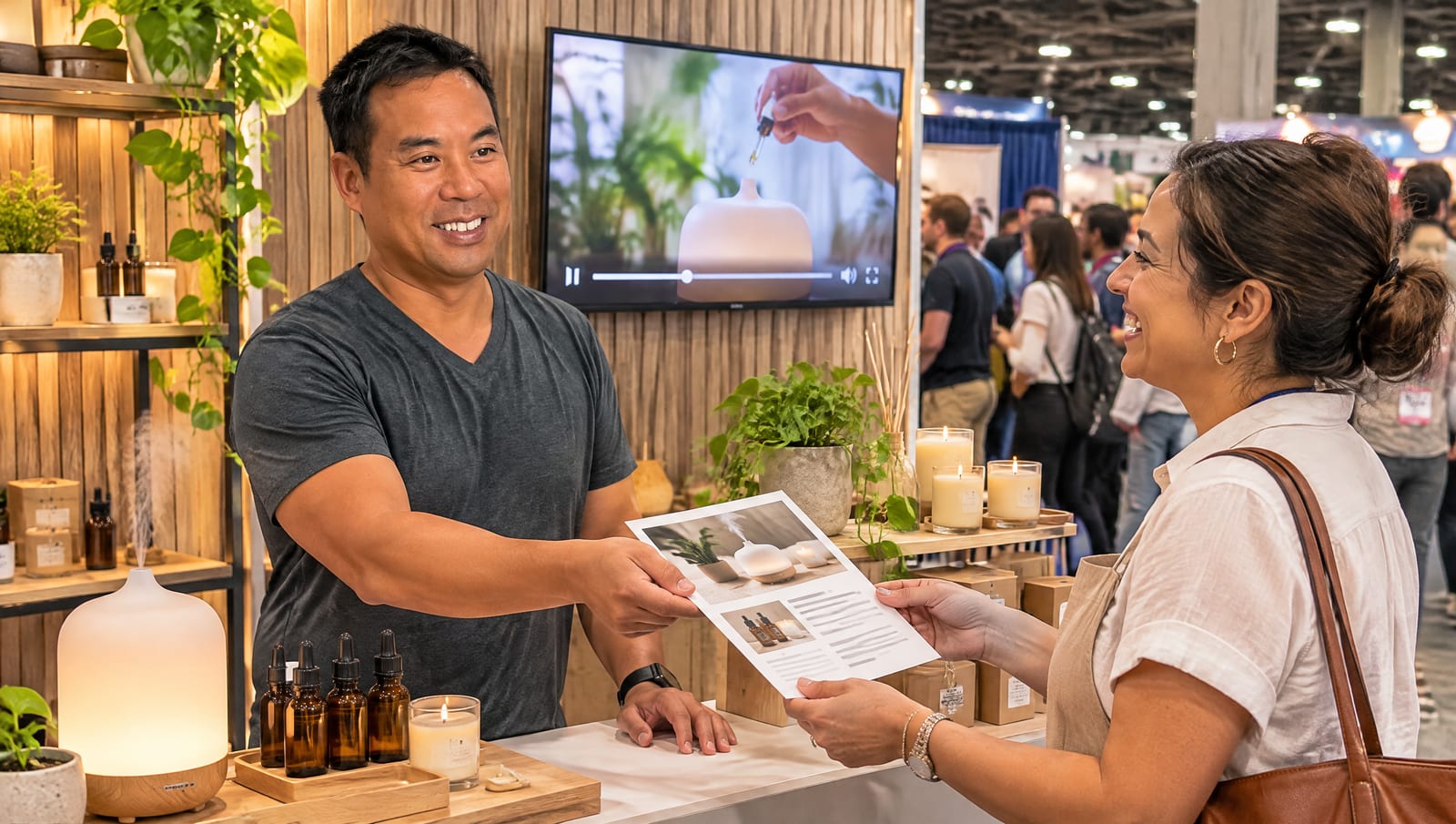
The short answer: you fill a trade show booth by promoting it four to six weeks before the show, not by hoping people wander by. Lock in your booth number and one clear reason to stop by, then put both everywhere: a main video on YouTube and your website, one short clip a week on social, a "come see us" graphic, three emails, and a flyer with a QR code. Ask your vendor partners to help push traffic and, often, to help pay for it.
We build event and video campaigns for small and mid-sized businesses all year. Last week we wrapped one for a technology reseller exhibiting at a major retail industry show in January, co-branded with one of their manufacturer partners. The goal was simple: get the right people to their booth. Here is the exact plan we put together, so you can use it for your next show.
Why booth traffic is decided before the show
A trade show floor is crowded and loud. Hundreds of booths compete for the same people walking the same aisles, and most of those people show up with a short list of who they already plan to see. If you are not on that list, you are counting on luck.
The businesses that leave a show with a stack of real conversations usually did the work weeks earlier. They told their customers and prospects where they would be, gave them a reason to come, and made it easy to book time. The booth is the last step, not the first.
Your goal before the show is to get on attendees' "must visit" list. Every post, email and flyer should answer two questions: where are you, and why should I stop by?
Step 1: Nail down the details first
When we kick off an event campaign, the first thing we ask is not "what should the video say?" It is "what exactly do we want people to do?" Get these locked before anyone writes a word:
- Dates and booth number. These go in every single piece. People will not hunt for you.
- The event hashtag. Most shows have an official one. Use it so your posts show up when attendees search the event.
- Your reason to stop by. A live demo, products people can touch, a giveaway, a short talk. Something specific beats "come say hi." (On our client call, someone joked that "free beer" in the subject line would bring 5,000 people. They are not wrong about how much a clear offer matters.)
- The action you want. For our client, that was "reach out to your account rep to set up a booth tour." A pre-booked meeting is worth ten passersby.
- Who else will be there. If a partner or manufacturer is co-sponsoring, decide early how both brands show up.
Step 2: Make one main video, then cut it into clips
You do not need a pile of separate content. You need one strong piece and a plan to reuse it. For this campaign, we made one main video about the partnership and a set of short clips from it. Here is how we told the client to publish them:
- Put the full video on your company YouTube channel with a clear title and a real description, not just a link. YouTube is the second place most buyers look after Google.
- Embed it on your website, on the page that matches the topic. For our client that was their partner landing page. Now the video works for search and for anyone who scans your flyer at the show.
- Post one short clip a week on LinkedIn and as YouTube Shorts. You do not have to use every clip. The clip grabs attention, and the caption does the selling.
That caption is where the event comes in: "We'll be at the show with our partner, booth 1234. Come see the gear in person." Write two or three versions so the posts do not all sound the same. If you want a deeper playbook for stretching one video, here is how to turn one business video into a month of marketing.
Step 3: Post a "come see us" graphic
Clips are great, but some people only skim. A simple still graphic does a different job: it is the post that says, at a glance, "we will be here."
Keep it clean: your logo (and your partner's logo, side by side, if it is co-branded), the show name, the dates and your booth number. Use a still from your video or an on-brand image as the background. Post it about a month out, again a week out, and once more the morning the show opens. Many people decide their route the night before.
Step 4: Send three emails, in two styles
Social gets you seen. Email gets you on the calendar. We recommend three sends:
- Four to six weeks out: the announcement. Where you will be, what they will see, and a link to the video.
- One to two weeks out: the reminder. Booth number up top, and a direct invite to book a time.
- The week of: a short "see you this week" note with the booth number and a map link if the show has one.
Then pick the right format for each audience. For your full marketing list, a designed HTML email looks polished and shows off your photos and video. For your top 20 or 30 accounts, a short plain-text note from their salesperson works better, because it reads like a personal invite and gets real replies. We cover why short sequences outperform long ones in why the third email gets the reply.
One practical tip if you send designed emails through HubSpot: upload your images to the HubSpot files tool first and use those links in the email, so the pictures load for everyone. We hand clients the images and step-by-step instructions with every email we design, so nobody gets stuck on it.
Step 5: Print a flyer that outlives the show
Here is a lesson that saves money every time: do not make your flyer about the show. When we planned the one-pager for this campaign, the team chose to make it about the partnership and the top use cases instead of the event dates. That way they can hand it out at the booth and keep using it in sales meetings for the rest of the year.
The one thing to add is a QR code. Point it at the landing page where your video lives, not your homepage. Someone scans it at the booth, lands on the exact page that matches the conversation they just had, watches the video and finds your contact details. Use a campaign tracking link behind the code so you can see how many scans came from the show.
Event dates expire. Partnerships and use cases do not. Put the show details in your posts and emails, and keep the printed piece evergreen.
Step 6: Get your partners to help
If you sell or install another company's products, they want your booth to be busy too. In this campaign, the manufacturer planned to bring its own booth and send attendees over to our client's booth to see their products in action. That is free traffic you only get by asking.
Partners can often help pay as well. Many manufacturers and distributors set aside co-op or market development funds for exactly this kind of co-branded campaign. The catch is paperwork: they want proof the marketing ran. We put together a single PDF for our client with a link to the final video, screenshots of the emails and copies of the flyer and posts, ready to upload to the partner portal. Here is our full guide to getting your suppliers to pay for your marketing.
Step 7: Watch the calendar
Timing matters more than most people think. If your show is in early January, your promotion window runs straight through Thanksgiving and the December holidays. Do not send the announcement the Wednesday before Thanksgiving or the week of Christmas, when inboxes are full and nobody is reading. Front-load the work in November and early December, then send your final reminder the first week of January.
Where AI fits in
This used to be weeks of work for a small marketing team. Because we already had our client's brand guidelines, logos and video footage loaded into their AI setup, the emails, social captions, graphics and flyer were all done within a week of the video being approved. AI drafts the pieces in the client's voice and on-brand, and our team reviews everything before it goes out. If you want to know how that setup works, read how we keep AI content on-brand.
Every piece of event content you publish also gives buyers and AI assistants one more page that explains what you do and who you work with. That adds up to better AI search visibility long after the show is over.
Your pre-show checklist
- Do you have the dates, booth number, event hashtag and one clear reason to stop by?
- Is your main video on YouTube and embedded on the right page of your website?
- Do you have a short clip and caption scheduled for each week before the show?
- Is your "come see us" graphic ready, with partner logos if it is co-branded?
- Are your three emails written, with personal invites for your top accounts?
- Does your flyer work after the show, with a QR code to your landing page?
- Have you asked your partners for traffic, co-op funds, or both?
- Have you kept your sends clear of holiday weeks?
Have a show coming up? Reel Axis builds the whole pre-show package for small businesses: video, clips, captions, emails and a flyer, all on-brand and ready to post. See our services or talk to our team.
Frequently Asked Questions
How do I get more people to visit my trade show booth?
Start promoting four to six weeks before the show. Tell people exactly where you will be with your booth number in every post and email, give them one clear reason to stop by, such as a live demo or a giveaway, and invite your best prospects personally so they can book time with you in advance.
When should I start promoting a trade show appearance?
About four to six weeks out. That leaves room for a first announcement, a weekly social post or two, a reminder email one to two weeks before, and a final note the week of the show. Avoid launching during holiday weeks, when people are not reading email.
What should I put on a trade show flyer?
Make it evergreen so it is useful after the show too. Explain what you do and who you help, list two or three key use cases, and add a QR code that links to a landing page with your video and contact details. Leave the show dates off so you can keep handing it out all year.
Should I send plain text or designed emails before a trade show?
Both have a place. A designed HTML email works well for your full marketing list because it shows off photos and your video. A short plain-text email from a salesperson works better for your top accounts, because it reads like a personal invitation and gets more replies.
Can a vendor or partner help pay for trade show marketing?
Often, yes. Many manufacturers and distributors offer co-op or market development funds that cover co-branded marketing like videos, emails and event promotion. Keep a simple proof-of-performance file with links, screenshots and sample emails so the claim gets approved.
Related Reading
- Paid for a Business Video? How to Turn It Into a Month of Marketing: get more mileage from one video
- Your Suppliers Might Pay for Your Marketing: how to use co-op funds
- Sponsoring a Local Event or Team?: get more than your logo on a banner
- AI Search Visibility for B2B Service Firms: how to get found when buyers ask AI for recommendations